EHR Integration Solutions for Smarter Vital-Sign Documentation
Automate the way you capture and document vital signs with QuickTake Health’s self-service kiosks.
Streamlined checks, clean data, and direct EHR entry help your team move faster and avoid errors. See how automation reshapes everyday workflows.
A simpler way to manage vital-sign entry
Every provider wants accurate vital signs without slowing down their day. The trouble starts when manual notes, keyboards, or rushed entries get in the way.
Here’s the thing: small delays and small errors add up fast.
You’ll see how automation fits naturally into everyday workflows and why it matters across senior-care homes, athletic programs, clinics, and wellness spaces.
Where automated EHR workflows make the biggest difference
QuickTake Health’s kiosks capture temperature, weight, height, BMI, and pulse oximetry in seconds. The system records everything without staff involvement and sends the data straight into the chart.
This is where EHR integration solutions begin to ease daily tasks and replace slow documentation steps, especially in settings that depend on quick, consistent vital-sign checks.

How automation simplifies daily routines for busy teams
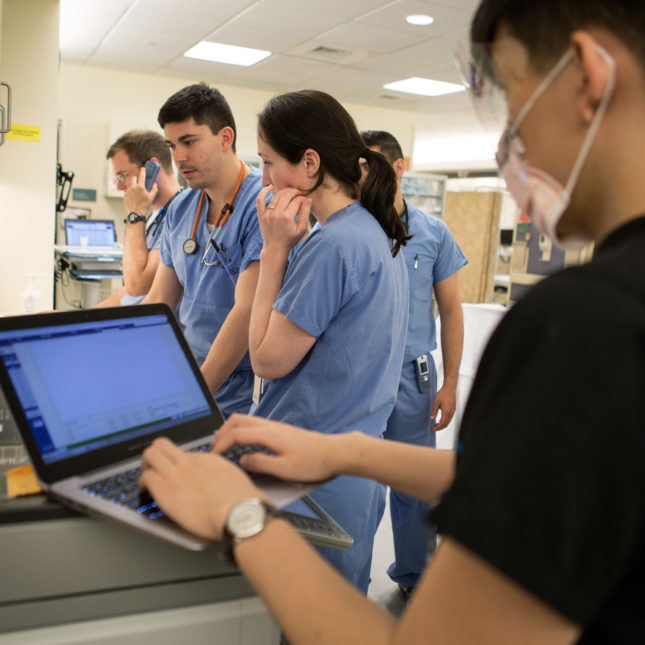
- Most delays happen before the appointment even begins. Someone has to gather vital signs, write them down, re-enter them, and double-check every line.
- QuickTake Health removes those steps. The kiosk handles temperature, weight, height, BMI, and heart rate in one quick session.
- The results flow directly into the record, and your staff spends less time fixing handwriting, checking mismatched numbers, or re-inputting missing data.
- This natural shift supports EHR workflow automation in a way that feels smooth rather than disruptive.
- The more your team uses it, the more they see how automated checks speed up rooming, intake, and routine wellness assessments.
- Over time, the cleaner data also supports more reliable chart reviews.
- That’s the advantage of adopting practical EHR automation solutions instead of adding yet another tool to an already packed routine.
Why consistent documentation strengthens care and operations
QuickTake Health gives every location the same repeatable, accurate process. Because the kiosk handles each reading the same way every time, teams no longer depend on different measuring tools or personal habits.
This steady flow of accurate readings supports better oversight in senior living, more reliable monitoring in athletic programs, and cleaner intake for clinics and wellness centers.
This improvement grows when you adopt wider EHR documentation automation approaches. With fewer manual steps, fewer errors slip through. Teams catch issues earlier because they’re looking at clean, complete information.
As your operations expand, standardized workflows help keep everyone aligned. What this really means is your staff can finally focus on people, not paperwork.

Comparing manual vs automated workflows
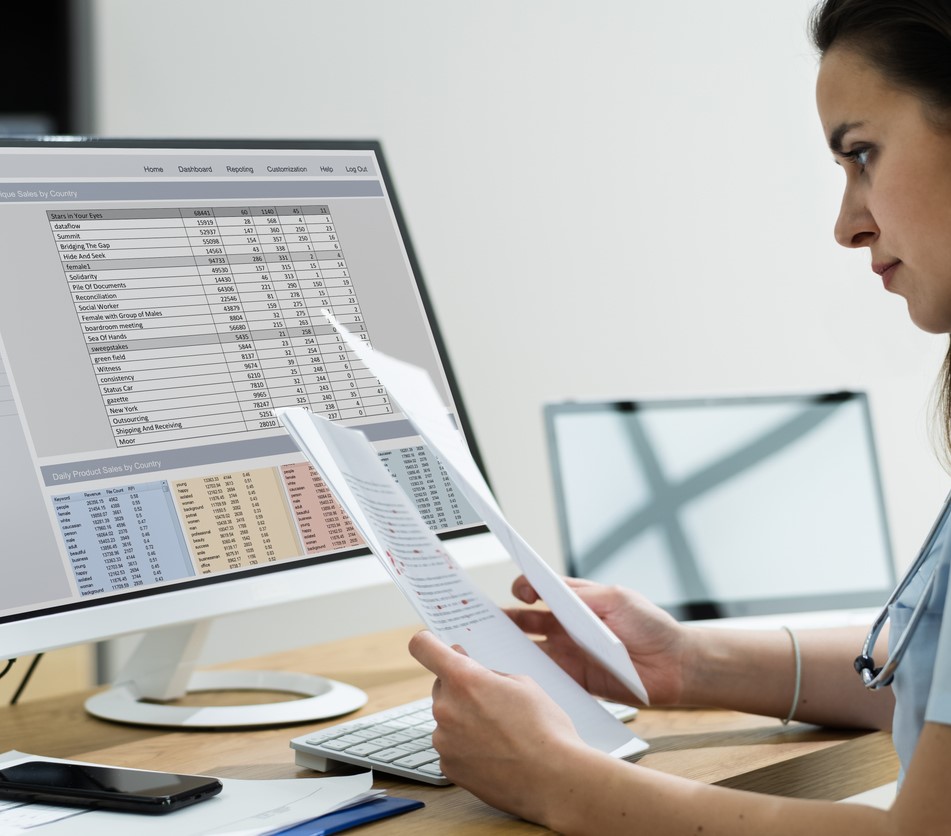
It helps to see the differences side by side. Manual workflows rely on timing, staff attention, and handwritten or typed entries.
Automated workflows rely on a single device that collects every measurement the same way. The contrast becomes clearer when you compare the steps.
| Process Step | Manual Workflow | Automated Workflow |
|---|---|---|
| Measuring vital signs | Multiple tools, multiple steps | One quick kiosk session |
| Documentation | Handwritten or typed entry | Direct EHR entry |
| Error risk | Higher due to transcription | Lower due to automation |
| Time required | Several minutes | A few seconds |
| Staff involvement | Needed at every step | None for capture |
This comparison shows why automated EHR workflows fit naturally into busy environments. When paired with EHR integration solutions, the shift cuts delays and lifts accuracy. As your team explores broader EHR automation solutions, this foundation becomes even more valuable.
A Clear Next Step Toward Smarter Workflows
Automation works best when it supports real, everyday tasks without adding complexity. QuickTake Health’s kiosks do exactly that by simplifying vital-signs capture and reducing manual documentation steps.
The steady, consistent flow of accurate data helps every environment, from senior care to athletic programs, work more efficiently.
If your team wants cleaner records, quicker intake, and predictable workflows, exploring automation is the next step.
Reach out to learn how these tools can support your operations and help you build a dependable workflow that grows with your needs.